

Rules
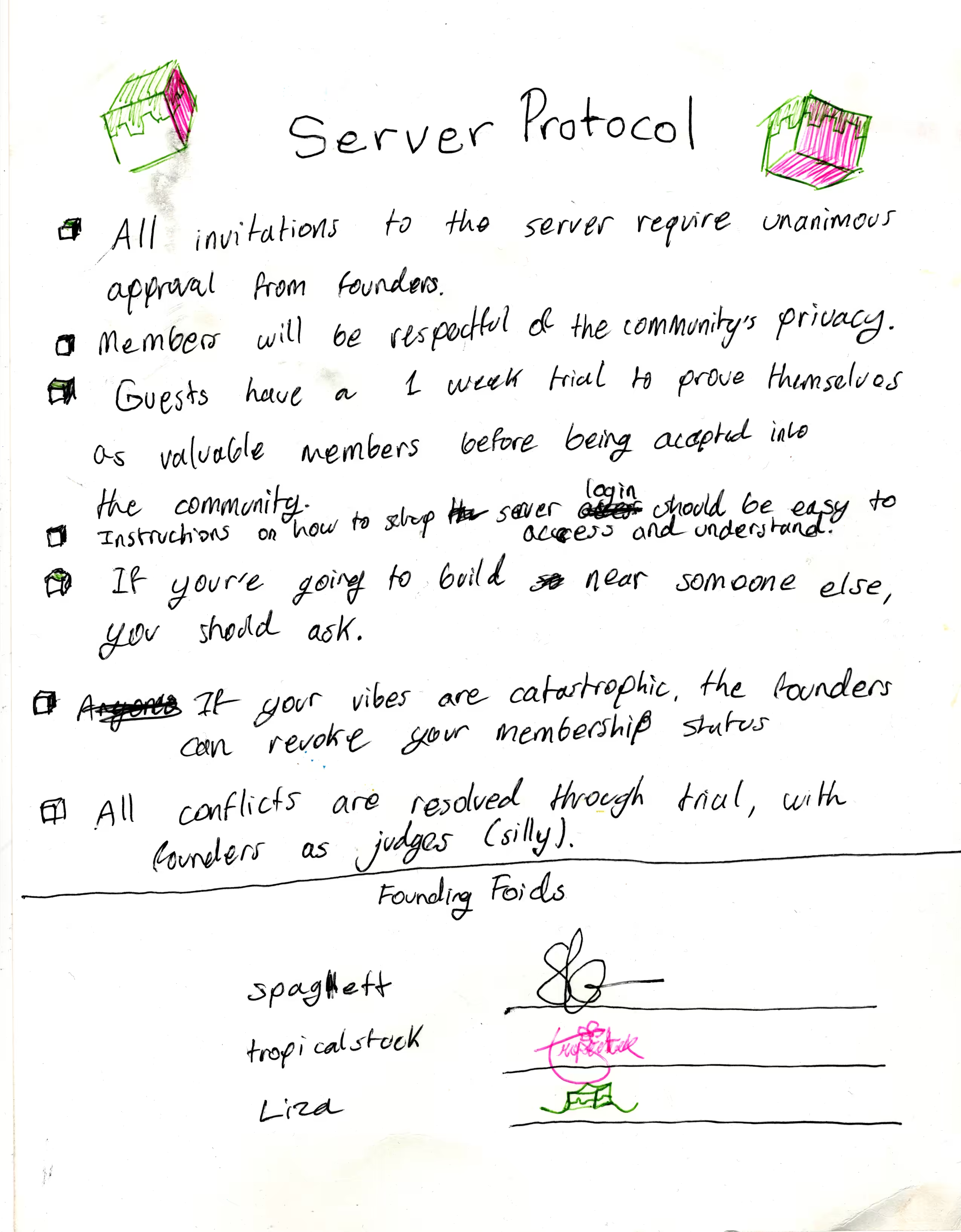
- All invitations require unanimous approval from the founders.
- Members will be respectful of the community's privacy.
- Guests have a 1-week trial period, where they must prove themselves as valuable members before they can be accepted into the community.
- If you're going to build near someone else, ask first.
- If your vibes are catastrophic, the founders will revoke your membership status.
- All conflicts are resolved through trial, with the founders sitting as judges (silly).
Setting up Minecraft
- Install the Minecraft launcher: minecraft.net/en-us/download
- Create or login to your Minecraft account and launch the game at least once (to create the .minecraft folder).
Connecting to our private network
- Install Tailscale and create an account: tailscale.com/download
- Share your email with server admins to be added to the private network.
-
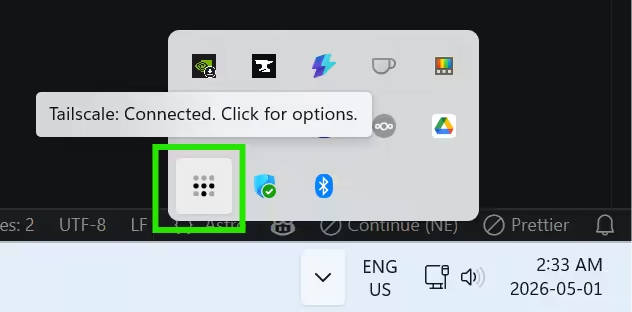
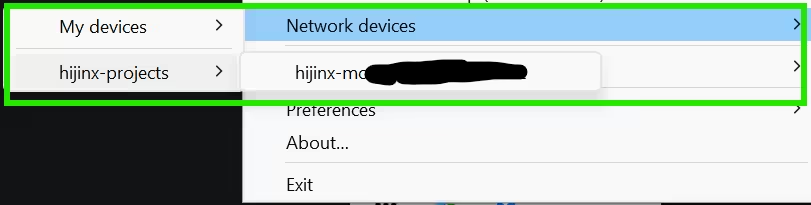
Ensure you are connected to the Tailscale network. You should see a Tailscale icon in your system tray (Windows) or menu bar (Mac). Right-click the icon to see your network devices. Ensure you are linked to the Hijinx project.
CurseForge
- Install CurseForge Launcher (standalone): curseforge.com/download/app
-
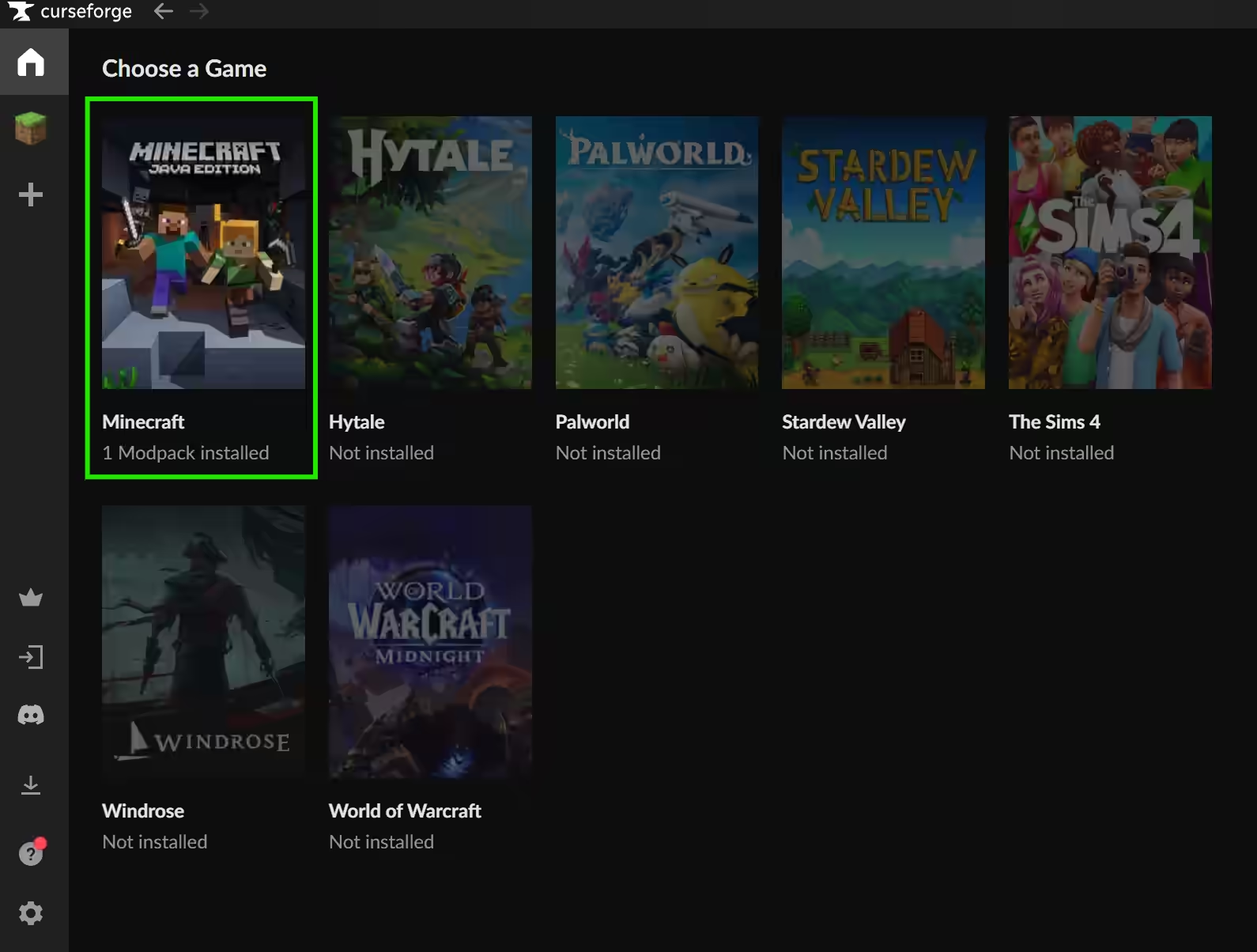
In the Choose a Game menu, select Minecraft.
-
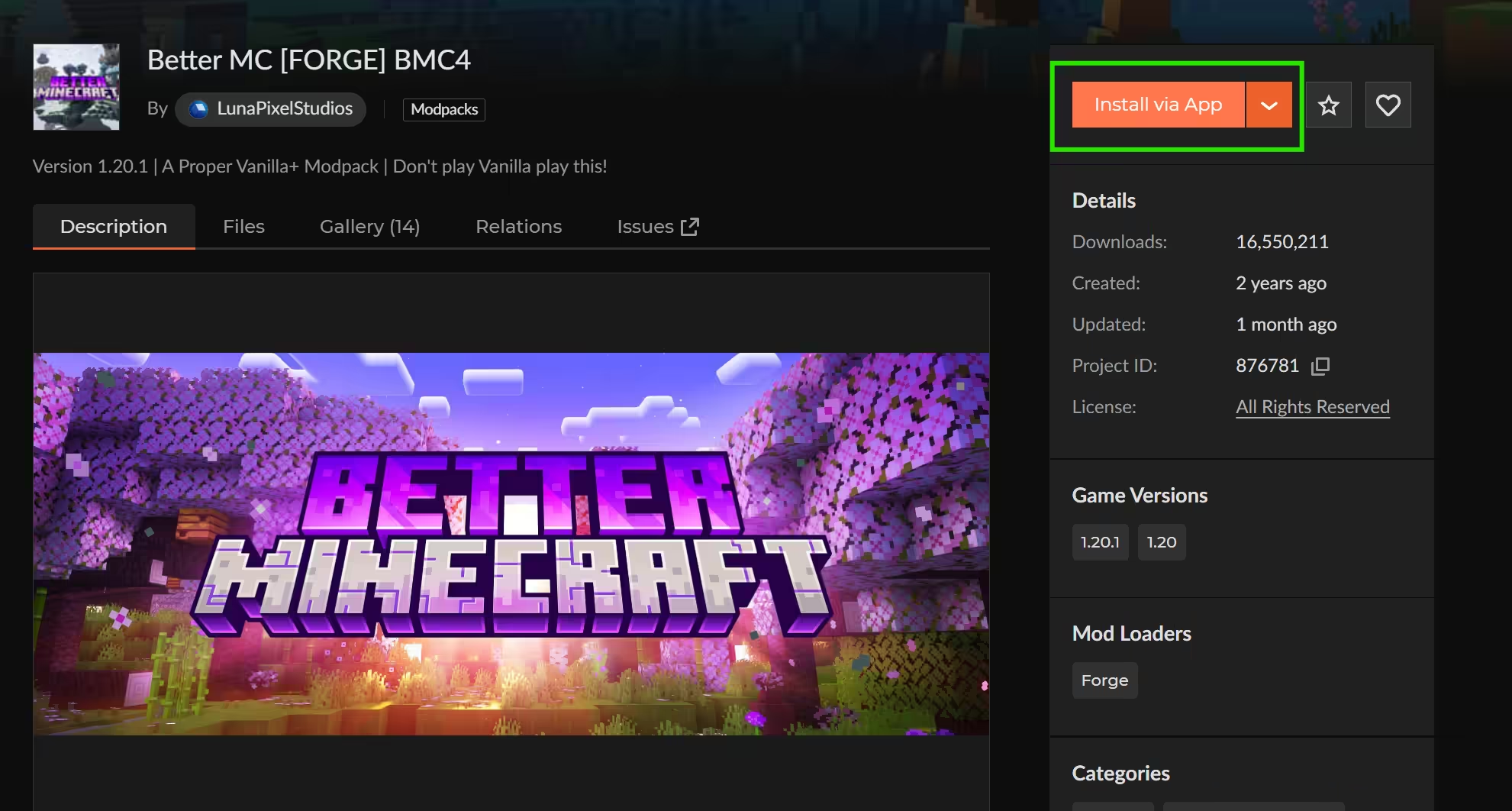
Install the BetterMC Modpack (BMC4) from CurseForge: curseforge.com/minecraft/modpacks/better-mc-forge-bmc4
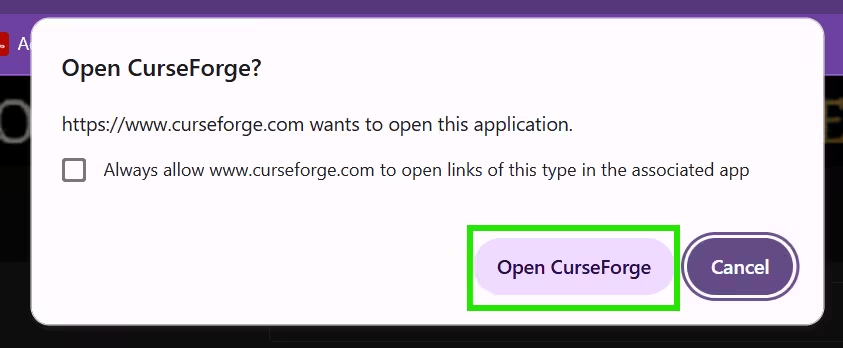
There will be an option called Install via App. You'll have to accept the pop-up for it to load onto CurseForge. The modpack will take a few minutes to download.
-
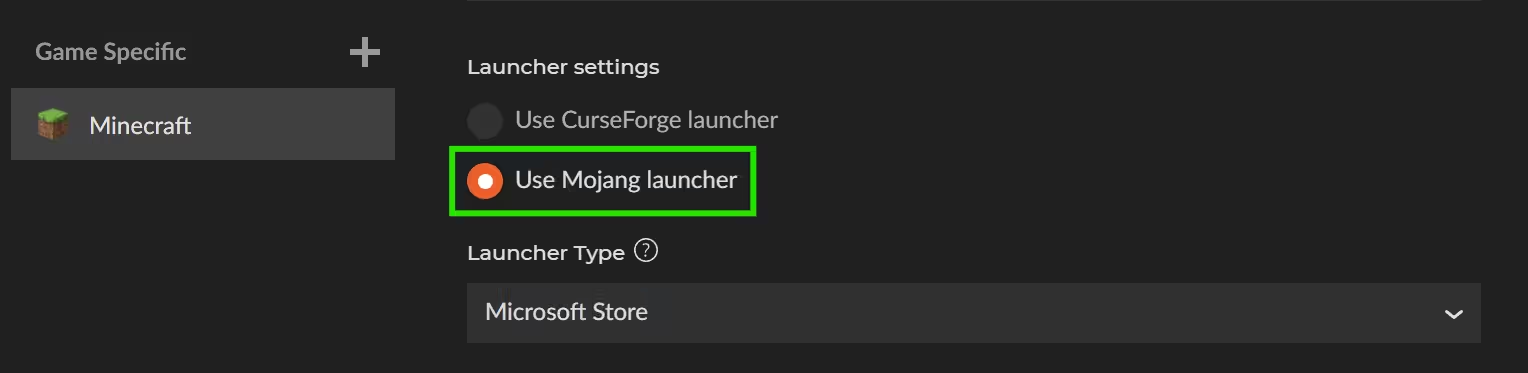
At a certain point, CurseForge will ask for your login method. Choose Mojang Launcher.
-
Once the download is finished, press Play.
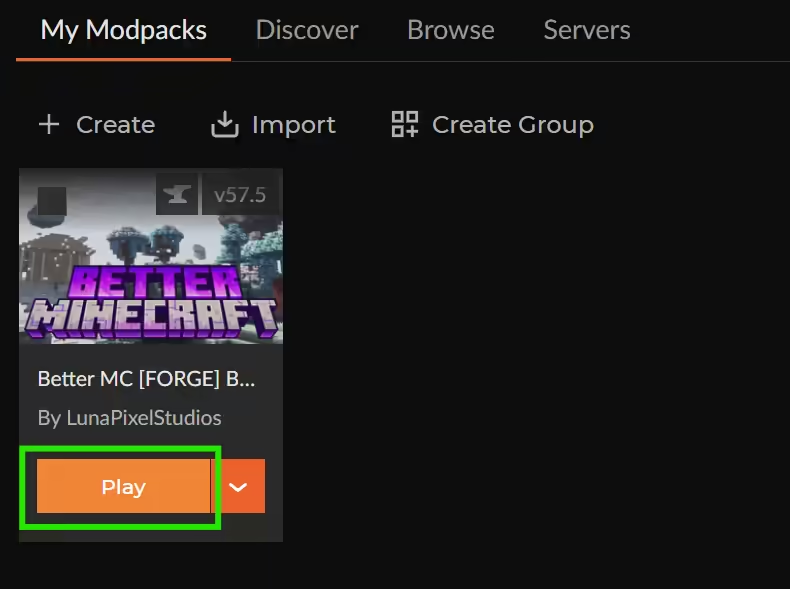
The mod will launch through the Minecraft launcher. The Play Java button should be tagged with the modpack name. It will take a couple of minutes to load.

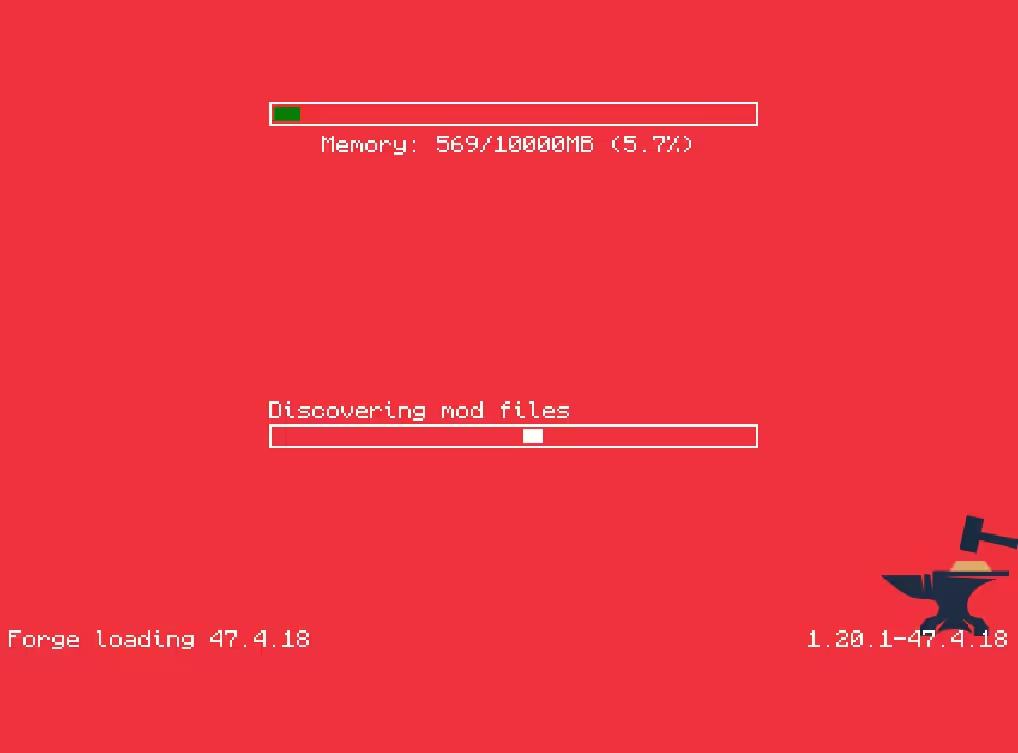
-
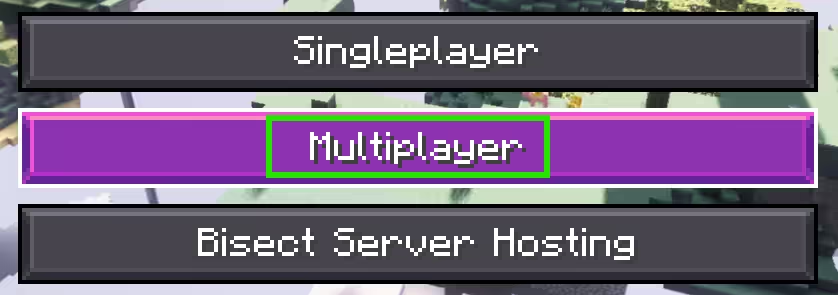
In the home menu, click Multiplayer.
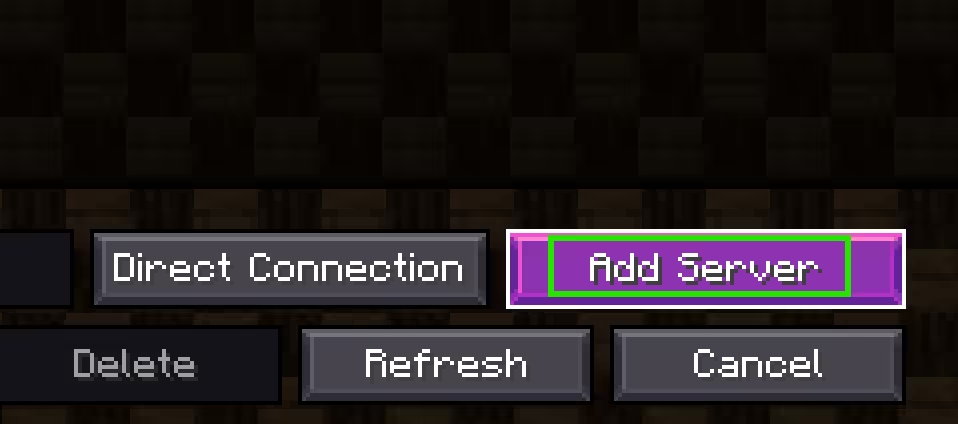
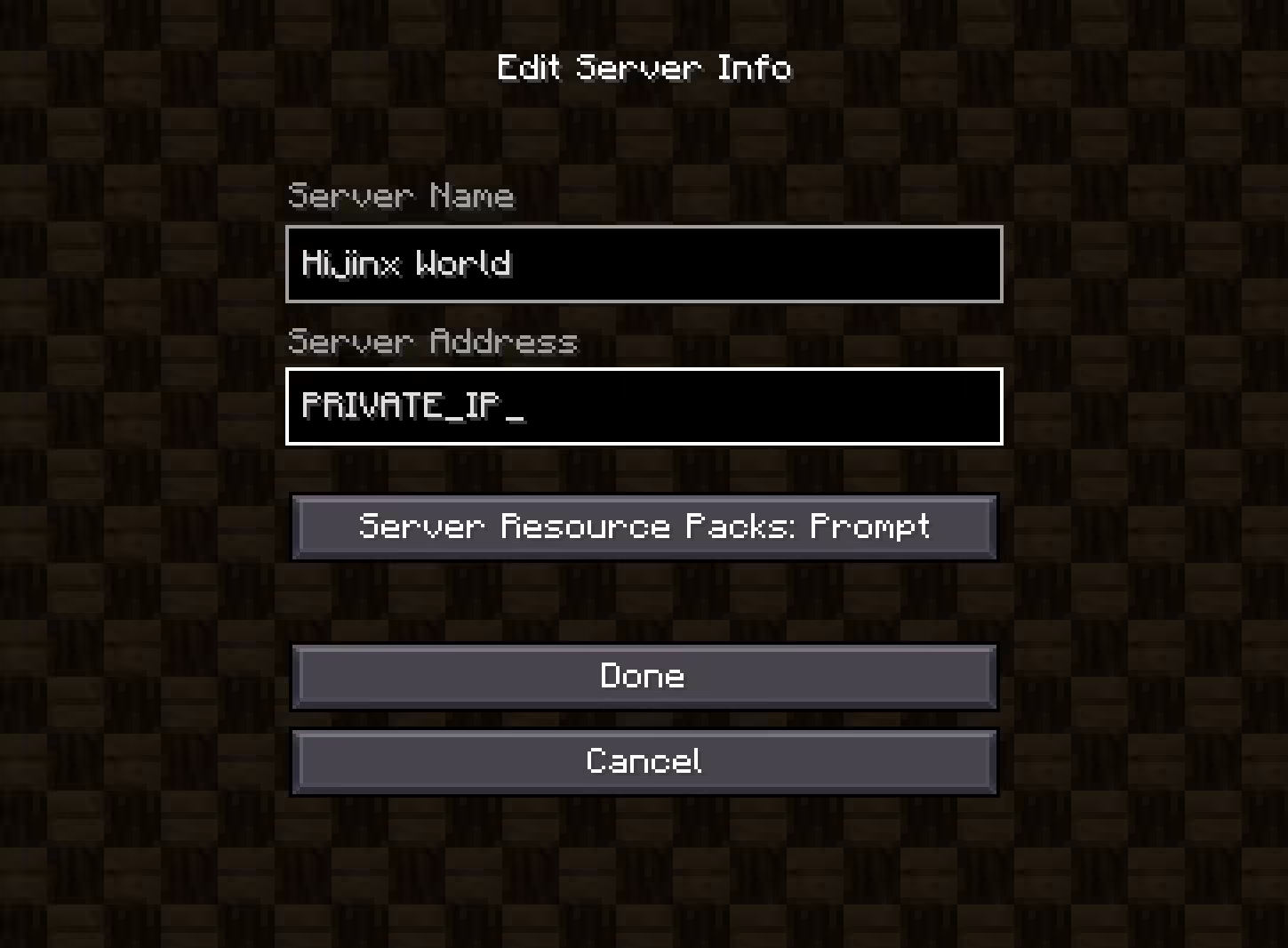
Click Add Server. For the server address, enter the IP address (shared in private). Name the server Hijinx World. Click Done.
-
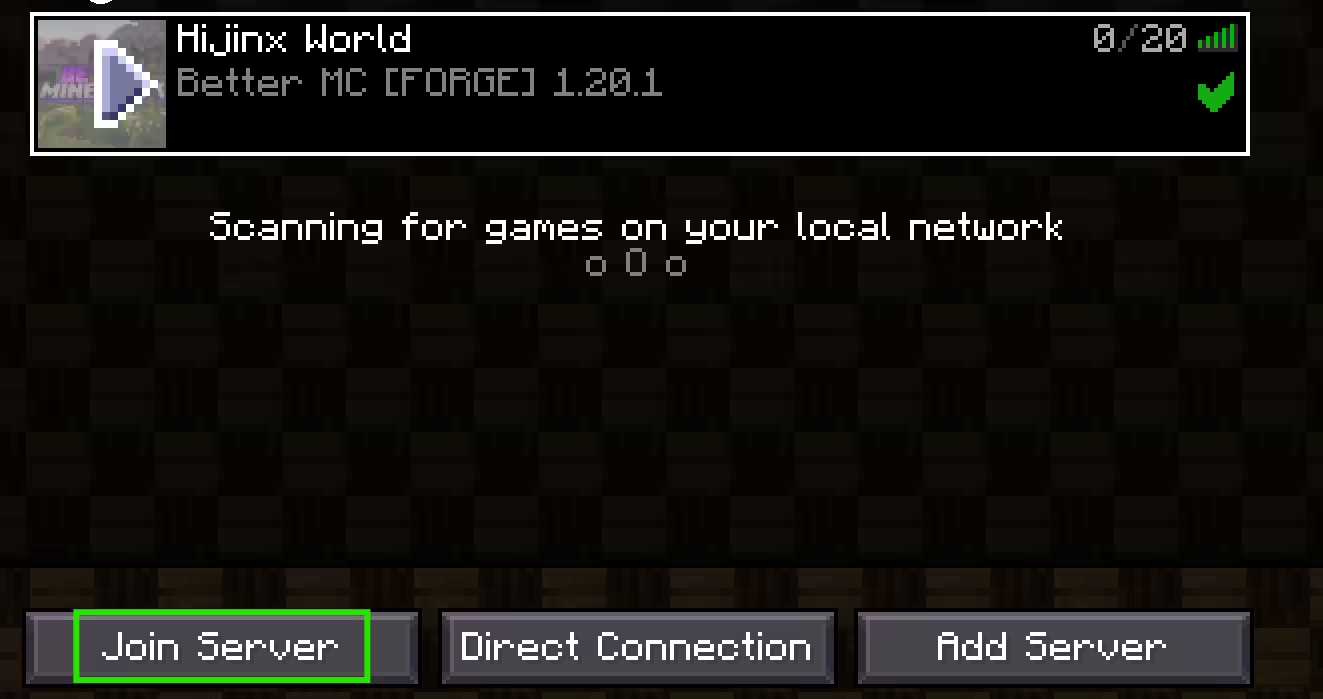
Select the server to join.
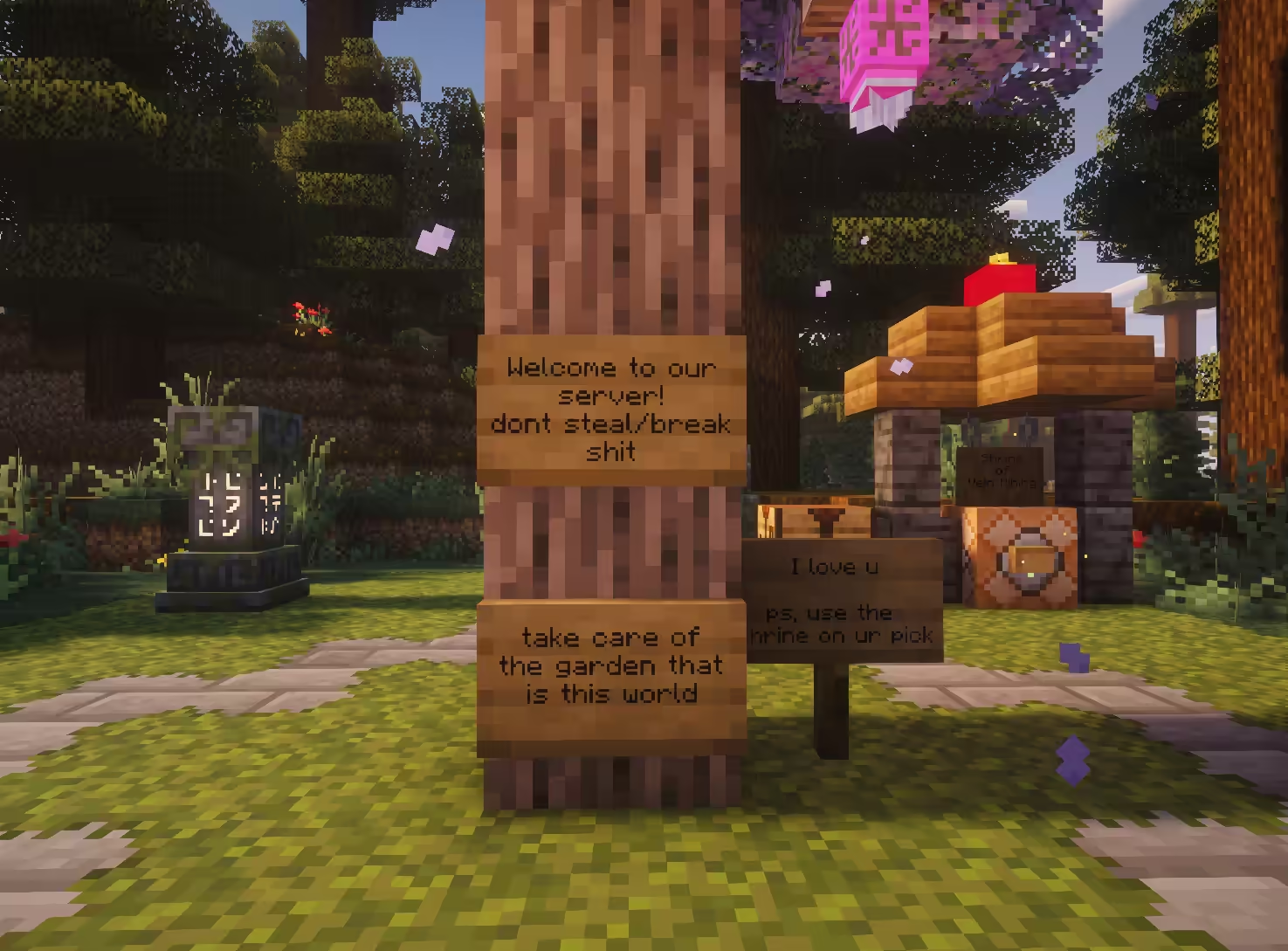
At this point, follow your guide. Good luck, traveller.